
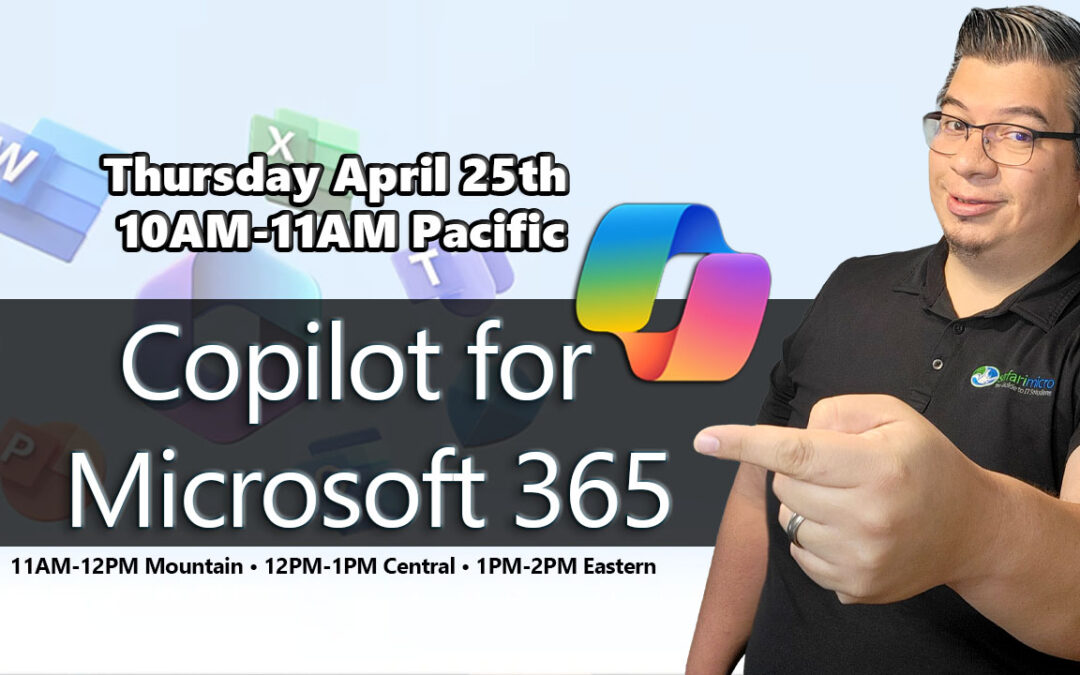
Want to see how Copilot for Microsoft 365 can elevate your organization's productivity?
Copilot is designed to benefit everyone in an organization. From senior leaders to IT professionals to frontline workers, Copilot offers features that streamline tasks, automate workflows, and enhance collaboration — unlocking productivity and creativity throughout your day.
What is Copilot for Microsoft 365?
Copilot for Microsoft 365 is an AI-powered productivity tool that integrates seamlessly into the Microsoft 365 apps your team already uses — Word, Excel, PowerPoint, Outlook, Teams, and more. It combines the power of large language models with your organization's data in Microsoft Graph to deliver intelligent, contextual assistance right where you work.
Its adaptability means it can be customized to meet the unique needs of any organization. The ability to extend its capabilities through plugins makes it a continually evolving asset that can adapt to the ever-changing landscape of business needs.
Key Capabilities Across Microsoft 365
Copilot in Word
Draft, rewrite, summarize, and improve documents with AI-powered writing assistance.
Copilot in Excel
Analyze data, generate formulas, create charts, and surface insights from your spreadsheets.
Copilot in Teams
Summarize meeting notes, catch up on missed conversations, and generate action items automatically.
Copilot in Outlook
Draft emails, summarize long threads, and manage your inbox more efficiently.
Copilot in PowerPoint
Create presentation decks from a prompt, transform documents into slides, and refine designs.
Microsoft Copilot Studio
Build custom Copilot agents and plugins tailored to your organization's specific workflows.
Who Benefits from Copilot?
Copilot for Microsoft 365 is built to deliver value across every level of your organization:
- Senior Leaders — Quickly synthesize reports, prepare executive summaries, and stay informed with AI-generated briefings.
- IT Professionals — Automate repetitive workflows, build custom agents, and extend Copilot capabilities with plugins.
- Knowledge Workers — Draft content faster, analyze data more efficiently, and collaborate more effectively across Teams and Outlook.
- Frontline Workers — Access AI-powered assistance on the go, streamline task management, and reduce administrative overhead.
About the Presenter

Jeremy Wallace
Principal Cloud Architect — Safari Micro
For over a decade, Jeremy has worked as a professional architect, consultant, and engineer helping companies across North America with Microsoft infrastructure and cloud technologies. He is a Microsoft Certified Azure Solutions Architect Expert and Microsoft Business Productivity specialist — having migrated thousands of users to Microsoft 365 and designed Azure solutions for enterprise clients.
Why Deploy Copilot with Safari Micro?
Ready to bring Copilot to your organization?
Connect with Safari Micro to explore how Copilot for Microsoft 365 can streamline tasks, automate workflows, and elevate productivity across your team.