
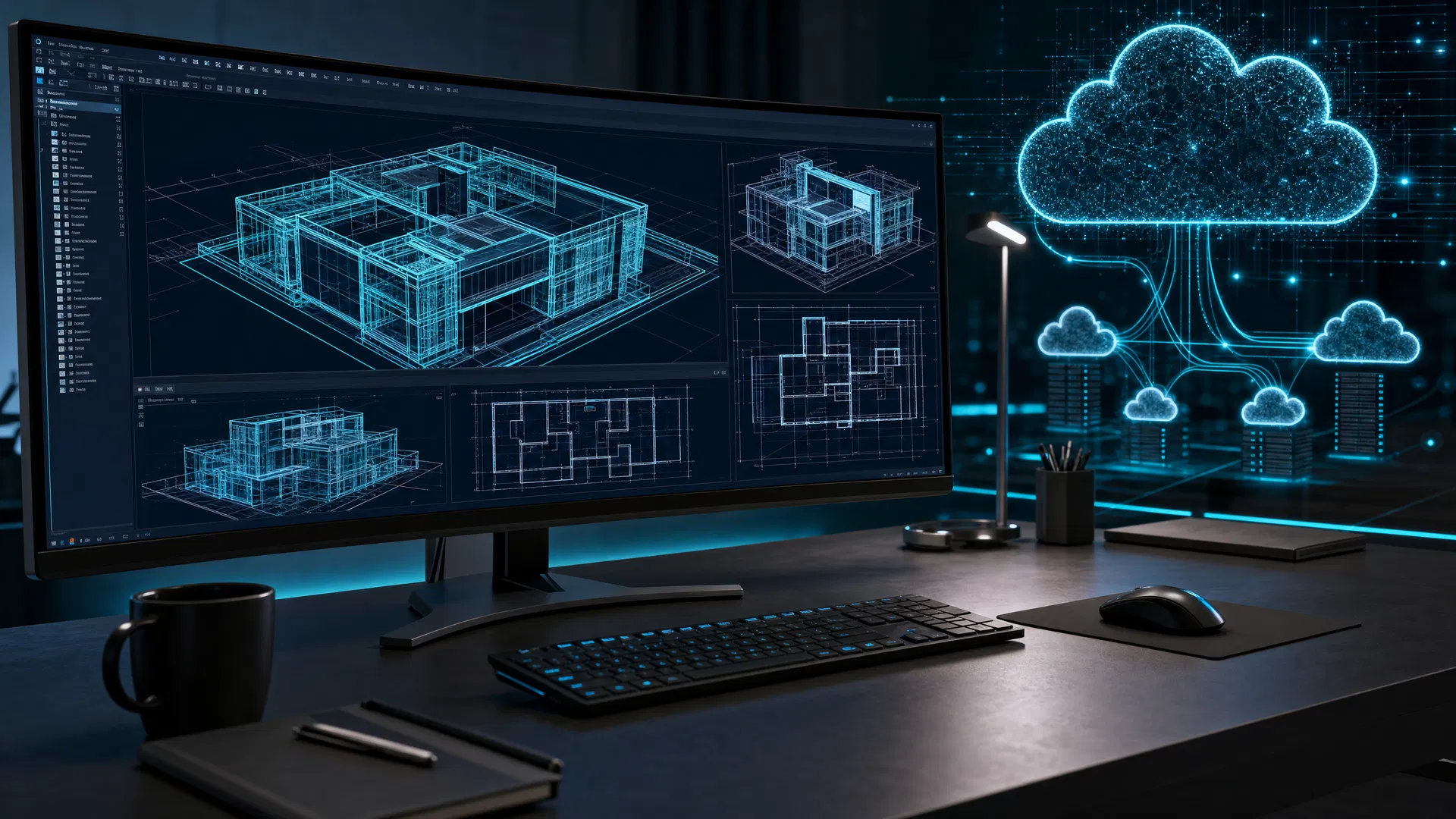

AutoCAD workloads are the bread and butter of many engineering and design firms. Ensuring that these workloads have strong performance, reliable access, and minimal downtime is critical to keeping projects moving. Traditionally, this has meant giving each employee a dedicated workstation with AutoCAD installed locally. That model can still work, but it can also be expensive, time-consuming to manage, and difficult to scale.
Safari Micro's fully managed virtual desktop service, SafariDesktops, gives organizations a modern way to deliver workstation-class desktop access through Microsoft Azure. Using Azure Virtual Desktop, organizations can provide full Windows desktops or individual applications, support single-session or multi-session designs, and deliver a full Windows experience using Windows 11, Windows 10, or Windows Server. These cloud-based virtual desktops offer a flexible alternative to traditional hardware-based workstations. In this article, we will discuss the top five benefits of using SafariDesktops for AutoCAD workloads.
Increased Mobility
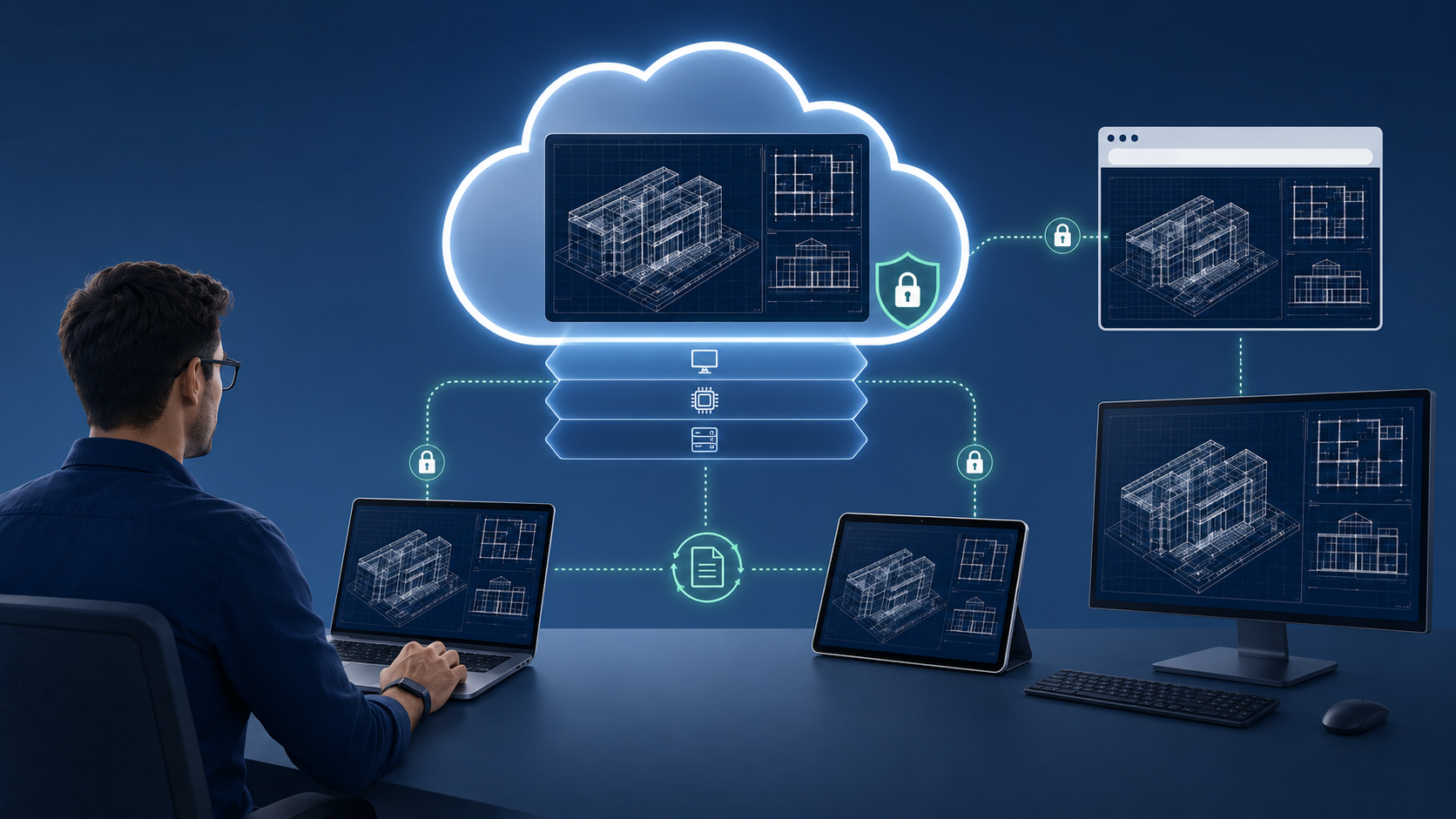
SafariDesktops, which utilizes Azure Virtual Desktop technology, allows users to access their AutoCAD workspace from almost anywhere using supported devices and clients. Engineers, architects, and designers can work from home, from a job site, on the road, or at a client location without carrying a large workstation.
Users can connect to Azure Virtual Desktop through Windows App or the Remote Desktop client. Microsoft documents support across many device types and form factors, including desktops, laptops, tablets, smartphones, web browsers, and supported virtual reality headsets.
This flexibility means teams can move between devices while continuing to work in the same cloud-hosted desktop environment. For firms with distributed or international teams, this can make it easier to give users access to the same application environment and centralized project resources, instead of depending on every employee having a high-end workstation in a specific office.
Reduced Costs
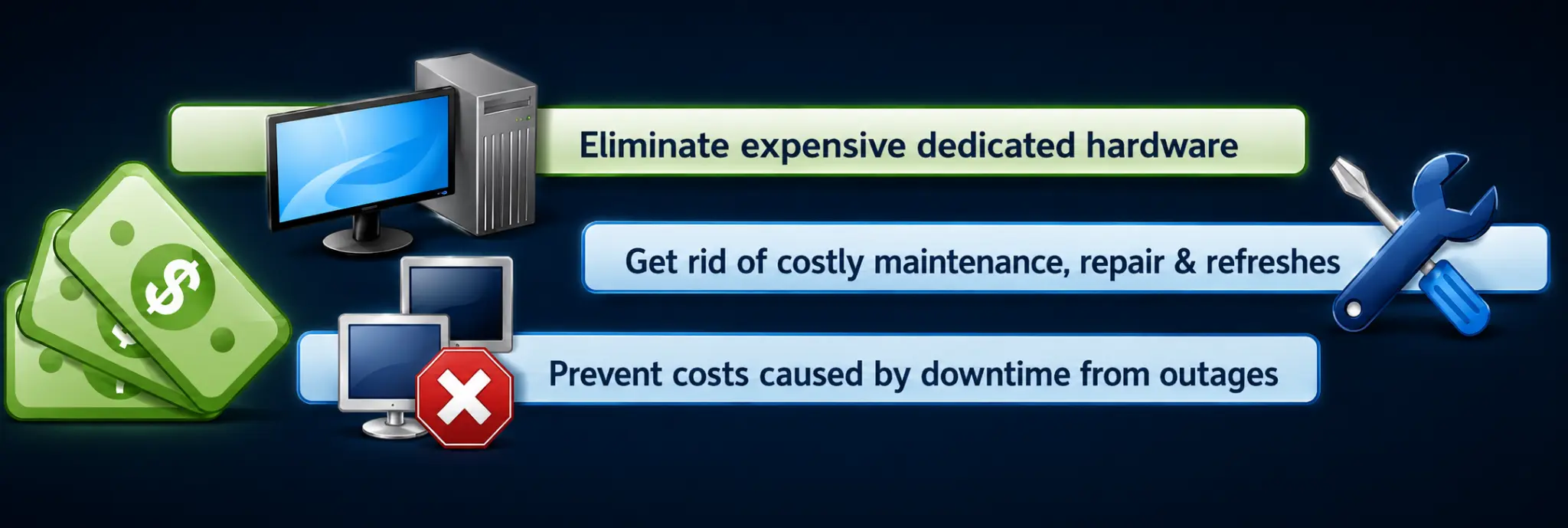
Cloud-based virtual desktops can reduce cost in several ways. First, they can reduce the need to purchase and refresh expensive dedicated workstations for every user. Instead of buying hardware sized for peak workload assumptions, organizations can provision Azure session hosts that fit the user profile and adjust capacity as requirements change.
Second, Azure Virtual Desktop supports pooled and multi-session resources, which can reduce the number of virtual machines and operating system overhead required to serve users when that model fits the workload. Azure Virtual Desktop also supports autoscale, allowing session host virtual machines to scale up or down based on schedule to help optimize deployment costs.
Third, Microsoft's cost guidance for Azure Virtual Desktop includes compute, storage, networking usage, user count, total hours, and concurrency as part of estimating monthly Azure costs. This makes planning more transparent than a traditional workstation refresh model, where organizations often have to buy for future capacity before they know exactly what they will need. For AutoCAD and similar workloads, a managed service such as SafariDesktops can help simplify this by aligning the desktop design, Azure infrastructure, performance requirements, and support model into a more predictable operational approach.
Scalability on Demand
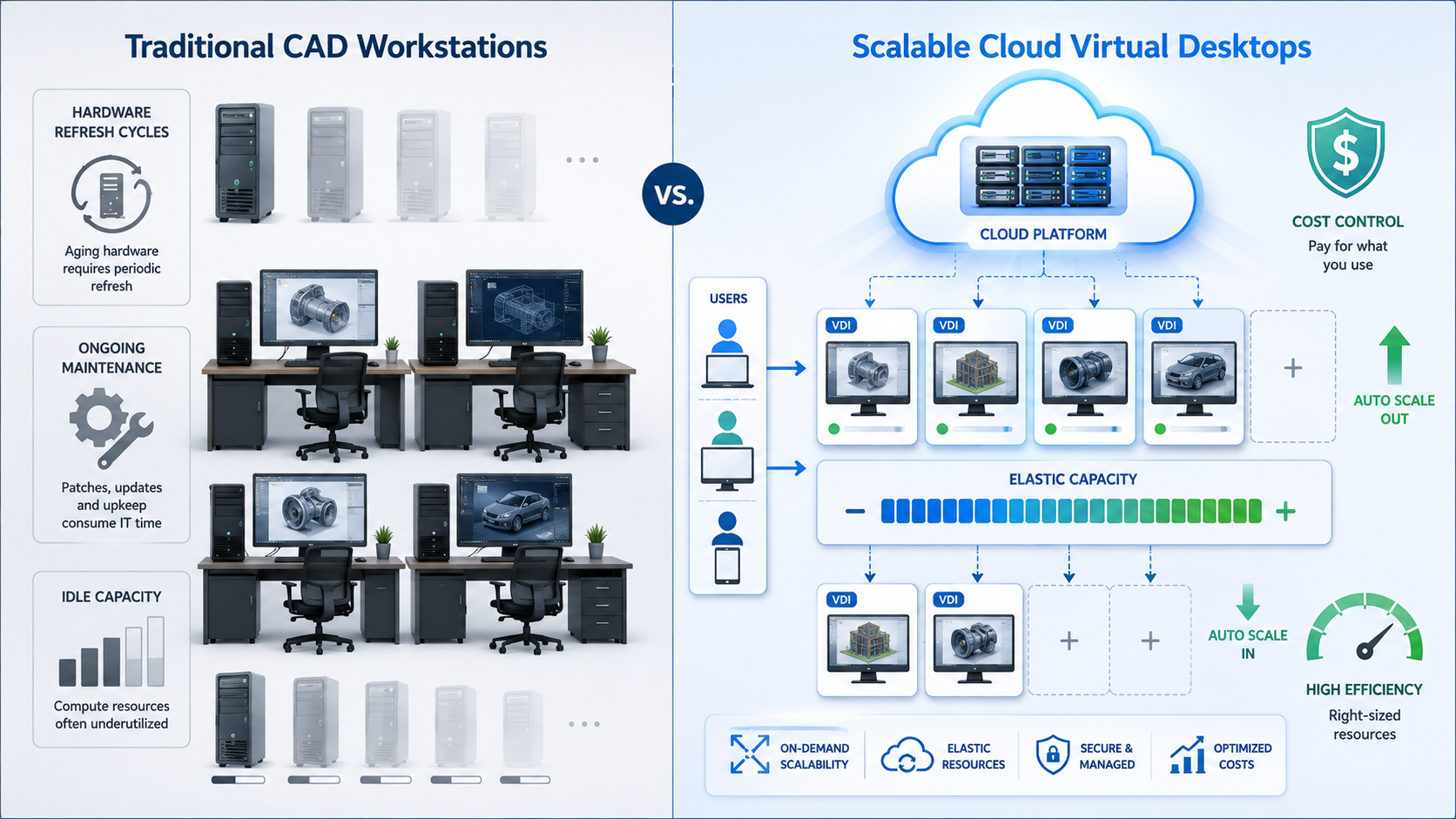
Another benefit of using cloud virtual desktops for AutoCAD is scalability. If your business experiences a sudden influx of projects, adds new employees, or needs to support contractors for a defined period of time, virtual desktops can often be provisioned faster than traditional physical workstations.
Instead of waiting for hardware selection, procurement, shipping, imaging, and local setup, organizations can expand their Azure Virtual Desktop environment by adding or resizing session hosts, assigning users, and publishing the required resources. Azure Virtual Desktop is designed to support scalable desktop and application virtualization, including full desktops, RemoteApp delivery, single-session desktops, and multi-session deployments.
This also helps reduce the risk of over-buying or under-buying workstation hardware. As workloads change, session host sizing can be reviewed and adjusted based on real utilization data, user experience, CPU, memory, storage, network, and GPU requirements.
Improved Security
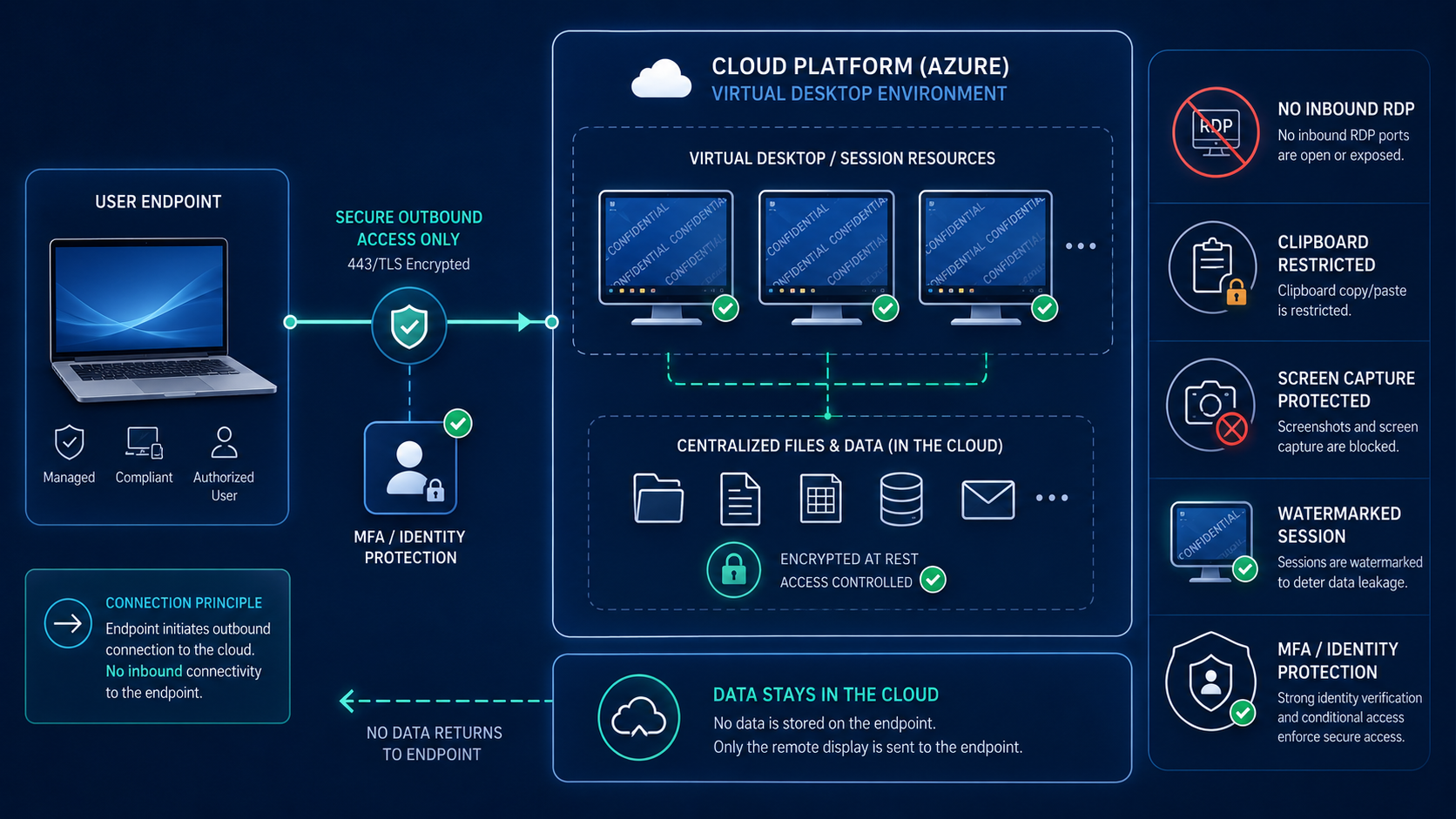
Because the virtual desktops run in Azure, the applications and project data can remain in the managed desktop environment instead of being stored directly on every endpoint device. This can be especially useful when supporting remote workers, contractors, shared devices, or bring-your-own-device scenarios.
Azure Virtual Desktop uses Reverse Connect, which means session hosts do not use a TCP listener for incoming RDP connections. Instead, the session host uses outbound connectivity to the Azure Virtual Desktop infrastructure over HTTPS. Azure datacenter security uses a defense-in-depth model, including physical access controls, monitoring, perimeter protections, and restricted access to areas where customer data is stored.
For data protection, Azure Virtual Desktop now includes more granular controls than a basic "allow or block" model. Clipboard transfer can be restricted by direction and by data type, helping reduce the risk of copying sensitive data from a remote session to a local device. Screen capture protection and watermarking can also help protect sensitive remote content.
In addition, virtual desktops can be monitored and governed more centrally than unmanaged physical workstations. When combined with Microsoft Entra ID, multifactor authentication, Conditional Access, Intune, Microsoft Defender, logging, and least-privilege administration, Azure Virtual Desktop can become part of a broader security and compliance strategy.
Improved User Experience and Professional Performance
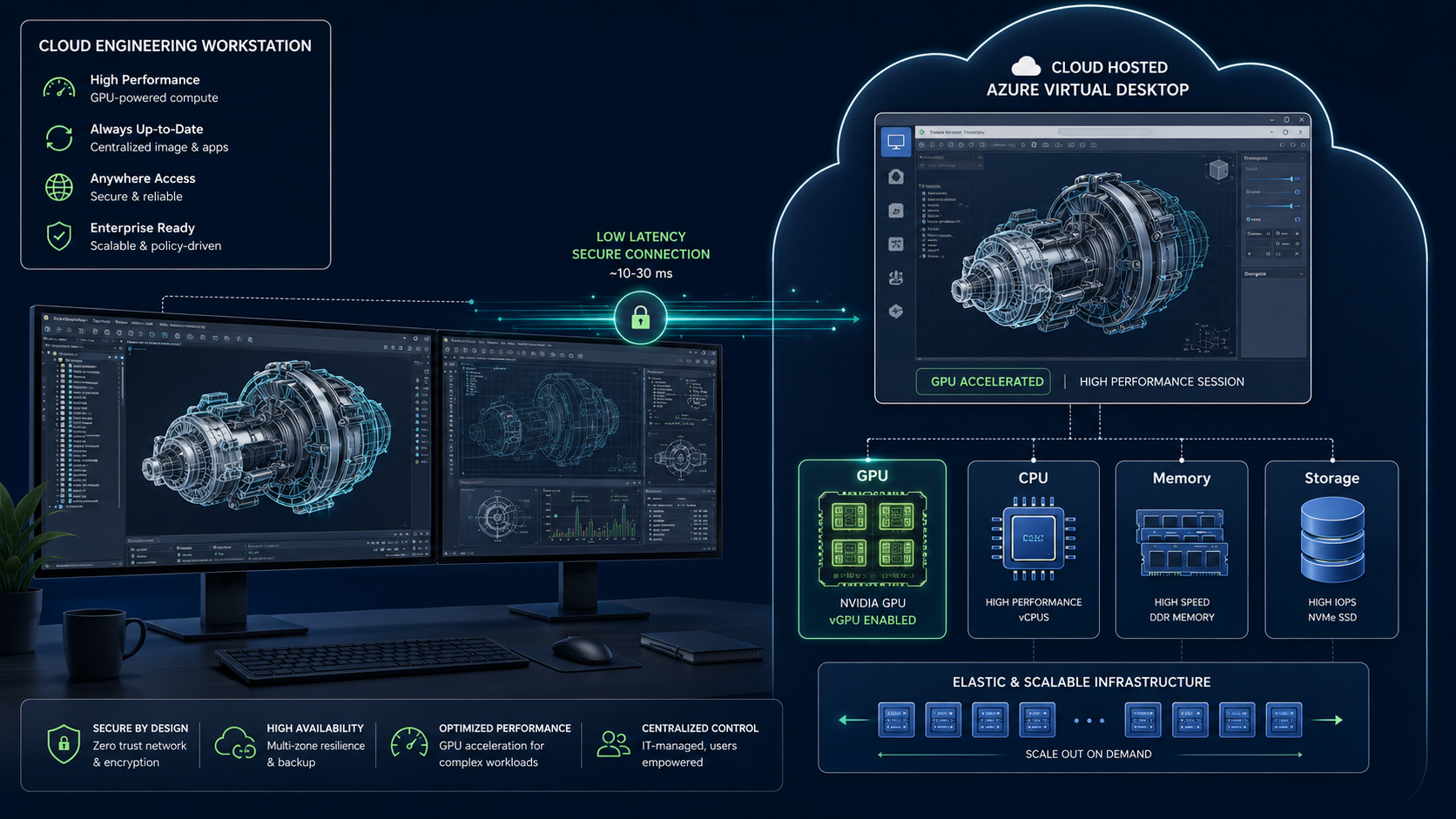
When SafariDesktops is designed for AutoCAD workloads, users can receive a high-performance virtual desktop experience without depending on a heavy workstation under their desk. The goal is to provide the right compute, memory, storage, network, and GPU resources for the user's workload.
Graphics-intensive workloads such as video rendering, 3D design, simulations, high-resolution displays, CAD, and CAM may require dedicated GPUs for optimal performance. Careful capacity planning is important because workload type, user count, CPU, memory, storage, network, and GPU requirements all affect user experience.
For GPU-enabled Azure Virtual Desktop workloads, the specific Azure VM size should be selected based on application requirements, user density, desired experience, cost, and regional availability. GPU acceleration can be used for rendering and encoding when the desktop workload requires it.
NVads V710 v5
- Powered by AMD Radeon Pro V710 GPUs
- AMD EPYC Genoa CPUs
- Latest generation GPU workstation option
- Recommended migration target from NVv4-series
NVadsA10 v5
- Powered by NVIDIA A10 GPUs
- AMD EPYC Milan CPUs
- Strong GPU rendering and encoding performance
- Recommended migration target from NVv4-series
Note: Microsoft has announced that NVv4-series VMs are planned for retirement on September 30, 2026, with migration guidance to newer NVads-A10 v5 or NVads V710 v5-series options.
Modern Connectivity Improvements
Azure Virtual Desktop connectivity has also continued to improve. RDP Shortpath starts with TCP-based Reverse Connect and then attempts to establish a UDP-based transport. If UDP succeeds, the TCP connection drops; if UDP cannot be established, TCP remains as the fallback. UDP-based transport can provide better connection reliability and more consistent latency, while TCP-based Reverse Connect provides broad compatibility.
RDP Multipath can also improve session resiliency by using multiple network paths when supported. This can help improve reliability for users working across changing network conditions.
SafariDesktops can be a strong solution for businesses that rely on AutoCAD and other graphics-intensive design tools. By using Microsoft Azure and Azure Virtual Desktop, organizations can provide users with secure, flexible, scalable, and performance-focused desktops without requiring every user to maintain a dedicated physical workstation.
For engineering, architecture, and design firms, this can simplify IT operations, improve remote access, support distributed teams, reduce hardware refresh challenges, and create a more adaptable desktop strategy.
Ready to Modernize Your AutoCAD Workloads?
Contact Safari Micro to discuss your environment, performance needs, security requirements, and the right desktop architecture for your team.